
Operation Manual




FIRMWARE VERSION 1.0.7.76 GXV3140 USER MANUAL Page 137 of 151
LANGUAGE
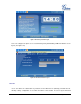
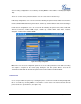
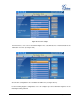
Users can select the preferred language on this screen. (See figure 145). The corresponding Language
File from the TFTP/HTTP server can also be downloaded to expand to the language selection menu. The
language file has a fixed name language.txt.
Figure 145: Language Settings
MY PROFILE
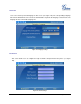
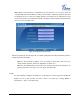
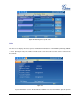
This screen allows users to configure the login username and password for the phone. (see figure
146)
Figure 146: Profile Settings