
Operation Manual




FIRMWARE VERSION 1.0.7.76 GXV3140 USER MANUAL Page 92 of 151
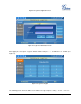
also allowed to dial the number here.
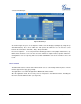
Figure 74: Google Voice Send Messages
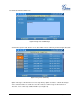
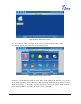
Scroll down to option “Call”. On the screen, there will be a list of call history shown as Figure 75 below.
Figure 75: Google Voice Call History
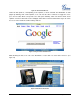
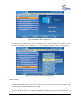
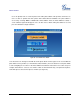
Option “Messages” will show the users messages history. Option “Contacts” contains the Google
Voice contact list and users could also select the contact to send message or dial out there. In
“Account”, users could set up callback number. (See Figure 76)