
Manual



DATA LOGGING REMOTE CONTROL
11
DATA LOGGING
REMOTE CONTROL
1. Establish
remote
connection
Follow the procedures for connection and
configuration on page 5 and page 8.
2. Setup
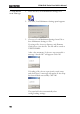
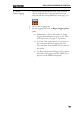
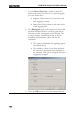
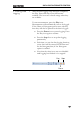
1. Press the Setup Multimeter icon.
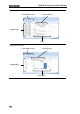
2. The Set Up Multimeter window appears.
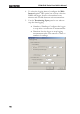
3. Choose a measurement item.
4. Choose the measurement range.
5. Choose the measurement rate.
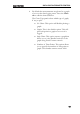
6. Press OK to confirm the settings and exit
automatically.
7. Press Exit to cancel and exit with making a setting.