
Getting Started HP Notebook - Windows Vista and Windows 7

CAUTION: Removing a battery that is the sole power source for the computer can cause loss of
information. To prevent loss of information, save your work and initiate Hibernation or shut down the
computer through Windows before removing the battery.
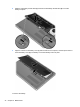
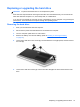
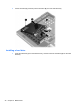
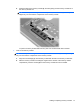
1. Slide the battery cover release latch (1), and then pull the battery cover (2) upward. Remove the
battery cover (3).
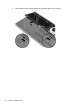
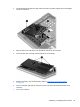
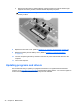
2. Slide the left battery release latch (1) and then the right battery release latch (2) to release the
battery.
Inserting or removing the battery 35