
HP Color LaserJet CP3505 Printer - Software Technical Reference
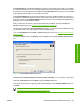
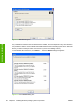
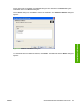
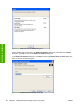
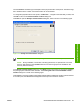
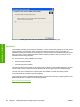
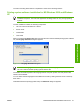
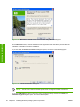

Figure 3-11 Additional software Details dialog box
All the software that you selected in the Additional Software dialog box is described in the Details
dialog box. Click OK to return to the Additional Software dialog box.
In the Additional Software dialog box, click Next to open the Custom Installer Location dialog box,
which is shown in the following figure.
Figure 3-12 Custom Installer Location dialog box
86 Chapter 3 Installing Windows printing-system components ENWW
Installation in Windows