
HP Color LaserJet CP3505 Printer - Software Technical Reference

Setting a default printer
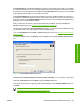
1. In Windows 2000 operating systems, click Start, click Settings, and then click Printers.
In Windows XP and Windows Server 2003, click Start, click Control Panel, and then click Printers
and Faxes (Windows XP Professional) or Printers and other hardware devices (Windows XP
Home).
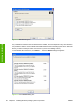
2. Right-click the product that you want to set as the default printer.
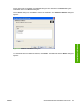
3. Click Set As Default. A check mark appears next to the menu option.
ENWW General MS Windows installation instructions 89
Installation in Windows