
HP Color LaserJet CP3505 Printer - Software Technical Reference
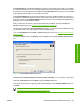
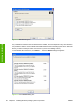
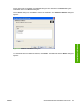
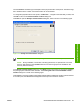
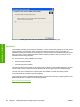
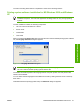
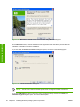

Figure 3-18 Welcome to the HP Color LaserJet 3000 Setup Wizard dialog box
On the Welcome screen, read the software-license agreement and click Yes to proceed with the
installation. Click No to cancel the installation.
If you click Yes, the Printer Connection dialog box opens, as shown in the following figure.
Figure 3-19 Printer Connection dialog box
NOTE: The HP Color LaserJet CP3505 printer does not support infrared connections.
If you click USB Cable (a "direct connection" using a USB 2.0 cable), and then click Next, the
Installation Type dialog box opens. This is the default option.
92 Chapter 3 Installing Windows printing-system components ENWW
Installation in Windows