
HP Color LaserJet CP3505 Printer - Software Technical Reference
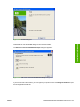
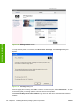
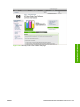


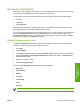
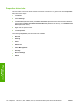


Figure 3-36 HP Registration screen
To verify that the printer is connected, click Print Driver Test Page. The Test Page dialog box
appears.
Figure 3-37 Test Page dialog box
If the test page prints correctly, click OK to continue. If it does not print, click Troubleshoot… to open
screens that guide you through options to find the source of the problem.
Click Install HP Easy Printer Care Software to go to the HP web site to download and install this
software.
104 Chapter 3 Installing Windows printing-system components ENWW
Installation in Windows