
HP Color LaserJet CP3505 Printer - Software Technical Reference
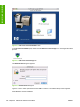
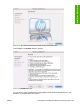
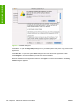
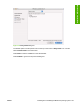
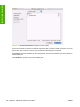
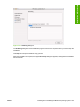

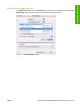
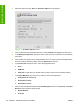

Figure 6-2 HP Color LaserJet CP3505 screen
In the HP LaserJet CP3505 pane, double-click the HP Color LaserJet.app icon. This begins the install
process.
Figure 6-3 HP Color LaserJet.app icon
The Authenticate dialog box appears.
Figure 6-4 Authenticate dialog box
Type the correct “admin” password and click OK to continue. The installer startup screen appears.
Click Cancel to exit the installation.
184 Chapter 6 Macintosh software and utilities ENWW
Installation in Macintosh