
HP Color LaserJet CP3505 Printer - Software Technical Reference
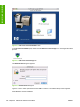
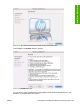
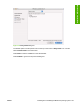
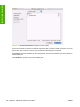
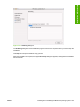

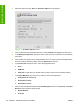

Figure 6-5 HP LaserJet for Macintosh installer startup-screen dialog box
Click Continue. The ReadMe dialog box appears.
Figure 6-6 ReadMe dialog box
You can save or print the ReadMe file by clicking Save or Print, Read the ReadMe file, then click
Continue. The License dialog box appears.
ENWW Installing and uninstalling the Macintosh printing system 185
Installation in Macintosh