
HP Color LaserJet CP3505 Printer - Software Technical Reference
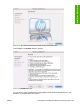
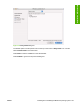
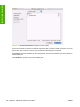

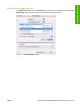
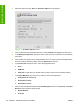

Figure 6-7 License dialog box
Click Print… to open the Page Setup dialog box for your default printer and print a copy of the license
agreement.
Click Save As… to open the system Save dialog box and save the license agreement to disk.
Click Disagree to end the installation process and close the installer.
Read the software-license agreement and then click Agree to continue the installation. The Easy
Install dialog box appears.
186 Chapter 6 Macintosh software and utilities ENWW
Installation in Macintosh