
HP Color LaserJet CP3505 Printer - Software Technical Reference


Setting up a printer with Mac OS X V10.4
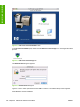
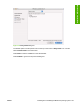
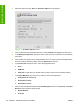
1. In the Applications folder, open the Utilities Folder, and then run the Printer Browser or the Printer
Setup Utility, depending on the version of the Macintosh operating system.
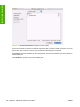
Figure 6-12 Printer Browser screen
ENWW Installing and uninstalling the Macintosh printing system 191
Installation in Macintosh