
HP Color LaserJet CP3505 Printer - Software Technical Reference
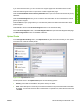
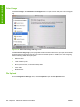
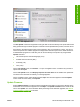

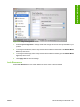
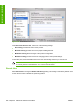

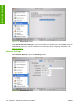


Figure 6-28 Trays Configuration screen
1. Select Trays Configuration to change media size and type for each of the trays installed on your
product.
2. To change the media size, select a tray and then select a different media size in the Default Media
Size drop-down menu.
3. To change the media type, select a tray and then select a different media type in the Default Media
Type drop-down menu.
4. Click Apply Now to save the settings.
Lock Resources
Select Lock Resources to lock certain features of the HP Color LaserJet CP3505
ENWW HP Printer Utility for Macintosh 207
Installation in Macintosh