
HP Color LaserJet CP3505 Printer - Software Technical Reference
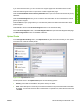
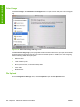
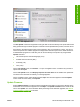

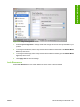
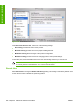

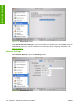

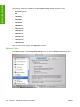

Figure 6-30 Enable Job Storing screen
You can type a PIN for your job in the Enter Secure Job PIN field.
Select the number of copies in the Copies to Print field.
Select a stored job and click Print to print the job.
Select a stored job and click Delete to delete the job.
E-mail Alerts
Select E-mail Alerts to configure the HP Color LaserJet CP3505 printer to send e-mail notifications to
users.
If a user name and password have been set, you might need to obtain them from the IT administrator.
For more information, see the HP Color LaserJet CP3505 Embedded Web Server User Guide.
ENWW HP Printer Utility for Macintosh 209
Installation in Macintosh