
HP LaserJet P4010 and P4510 Series - Software Technical Reference
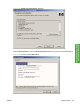

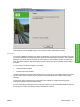
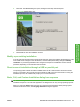
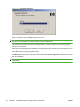
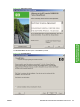

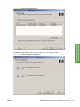
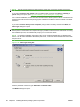

Figure 3-26 Language Selection
Select a location from the Location: drop-down menu.
NOTE: The Language Selection dialog box lists only the languages that are available on the
HP LaserJet P4010 and P4510 Series printing-system software CD.
The installer automatically detects the language that the computer system uses and presents this
selection as the default.
Select any other language that is available on the CD by clicking the down arrow in the drop-down menu.
Click OK to initiate the printing-system setup.
The Welcome screen opens. This screen also contains the License Agreement. Click Yes to continue
with the installation.
NOTE: Click Installation Notes on this screen to view the HP LaserJet P4010 and P4510 Series
Install Notes.
94 Chapter 3 Installing Windows printing-system components ENWW