
HP LaserJet P4010 and P4510 Series - Software Technical Reference
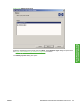
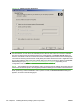
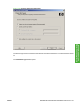
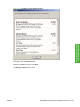
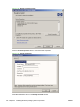
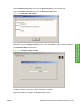
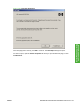
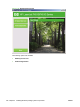

Figure 3-34 Identify a printer dialog box
NOTE: If you are installing the device over a network, you must let the search for the first subnet in
the network finish in order to find all available printers. After the first subnet is scanned for available
HP LaserJet P4010 and P4510 Series printers, the results appear in the Printer Found dialog box.
However, the installer continues to search the network for additional printers after the first results appear.
The results of searching the first subnet usually takes place within about 20 seconds. It might take some
time for the installer to search the other subnets and for the full list of printers to appear in the Printer
Found dialog box (see
Figure 3-30 Printer Found dialog box on page 97), depending on the
configuration of the network.
NOTE: The installation process includes the option of using the TCP/IP address for the HP LaserJet
P4010 and P4510 Series printer, which might be preferable to waiting for the installer to finish the search.
When performing a network installation and no printer is found, the Printers Not Found dialog box
appears, as shown in the following figure.
100 Chapter 3 Installing Windows printing-system components ENWW