
HP LaserJet P4010 and P4510 Series - Software Technical Reference
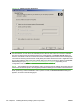
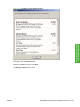


Click View HP's privacy policy link to view the HP privacy policy on the HP Web site.
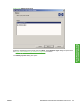
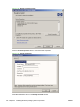
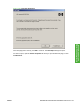
Click the View data sent to HP link to open the Data sent to HP window.
Figure 3-40 Data sent to HP window
Click OK to return to the Ready to Install window. Then, click Install to continue with the installation.
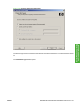
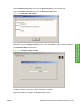
The Installation Status window opens.
Figure 3-41 Installation Status window
The dialog remains on the screen until the installation is complete.
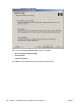
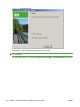
When the installation is complete, the Finish dialog box opens.
ENWW Detailed Microsoft Windows installation instructions 105
Install Windows printing-
system components