
HP LaserJet P4010 and P4510 Series - Software Technical Reference
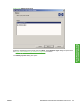
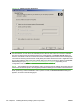
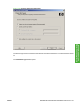
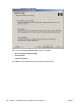
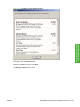
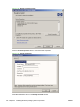
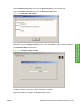
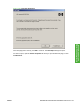
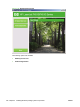

Figure 3-43 Test Page dialog box
If the test page prints correctly, click OK to continue. The Next Steps dialog box opens.
If it does not print, open the Printer Properties tab and try to print another test page, or click
Troubleshoot.
ENWW Detailed Microsoft Windows installation instructions 107
Install Windows printing-
system components