
HP LaserJet P4010 and P4510 Series - Software Technical Reference
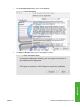
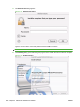
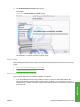
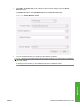
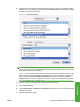

11. The Authenticate dialog appears.
Figure 5-11 Authenticate dialog
Type the correct “admin” name and password and click OK to continue.
NOTE: Click Cancel to exit the installation.
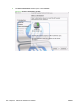
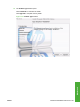
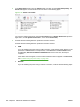
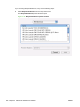
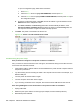
12. The Installing dialog opens indicating the progress of the install. Wait for the install to complete.
Figure 5-12 Installing dialog
202 Chapter 5 Macintosh Software and Utilities ENWW