
HP LaserJet P4010 and P4510 Series - Software Technical Reference
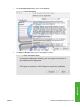
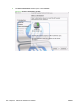
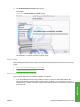
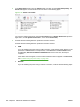
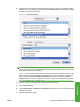

4. Click Add in the Printer List (or the + button in the Print & Fax utility) to open the Printer
Browser screen.
In Print & Fax window, clicking Setup Printer opens the Printer List window.
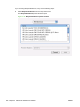
Figure 5-15 Printer Browser screen
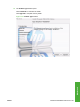
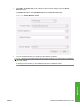
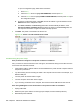
5. You can use either Bonjour or IP Printing for the network connection.
NOTE: Bonjour is the easiest method and is the best method to use if the printer is installed on
your local network.
IP Printing must be used if you are installing the printer on a different subnet.
ENWW Macintosh installation instructions 205
Macintosh