
HP LaserJet P4010 and P4510 Series - Software Technical Reference


Paper Handling
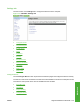
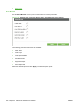
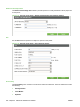
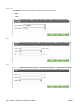
Use the Paper Handling menu to set the type of media for each tray.
Figure 5-34 Settings tab – Configure Device page – Paper Handling menu options
Configure Device
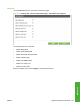
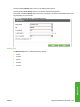
Use the Configure Device menu to configure the device and control device behavior.
Figure 5-35 Configure Device pane
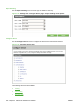
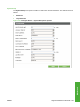
The following submenus are available.
●
Printing
●
Print Quality
●
Runtime CFG
222 Chapter 5 Macintosh Software and Utilities ENWW