
HP LaserJet P4010 and P4510 Series - Software Technical Reference

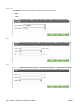

Default Custom Paper Size
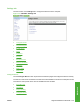
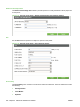
The Default Custom Page Size submenu provides options for modify the default custom paper size
for the printer.
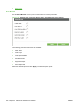
Figure 5-37 Printing menu option – Default Custom Paper Size submenu options
PCL
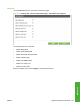
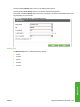
Use the PCL submenu options to modify PCL options on the printer.
Figure 5-38 Printing menu option – PCL submenu options
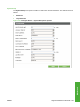
Print Quality
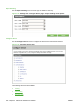
The Print Quality menu consists of a main menu and three submenus. The three submenus include
the following:
●
Set Registration
●
Fuser Modes
●
Optimize
224 Chapter 5 Macintosh Software and Utilities ENWW