
HP LaserJet P4010 and P4510 Series - Software Technical Reference
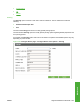
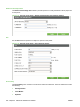
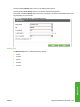


Use the main Print Quality option menu to set default printing options.
Use the submenu Print Quality options to set specific default printing options.
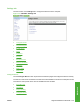
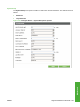
An example of the Print Quality option main menu is as follows. The options and available options may
vary depending on printer model.
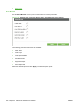
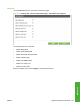
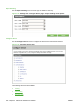
Figure 5-39 Configure Device – Print Quality menu
Runtime CFG
The Runtime CFG menu contains the following options:
●
P4014
●
P4014n
●
P4015
●
P4015n
●
P4515n
ENWW Supported utilities for Macintosh 225
Macintosh