
HP LaserJet P4010 and P4510 Series - Software Technical Reference



AutoSend
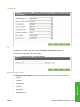
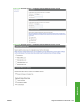
Use the AutoSend screen to send product-configuration and supplies-usage information periodically to
e-mail destinations of your choice, such as service providers.
Add up to 20 AutoSend destinations.
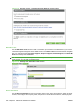
Figure 5-54 Settings tab – AutoSend screen
Security
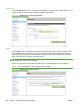
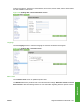
Use the Security screen to configure security settings for the product.
The Security screen also contains a Configure Security Settings button. Click this button to configure
advanced security settings, such as desired levels of security.
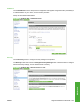
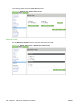
Figure 5-55 Settings tab – Security screen (1 of 2)
ENWW Supported utilities for Macintosh 233
Macintosh