
HP LaserJet P4010 and P4510 Series - Software Technical Reference
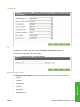


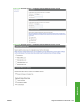

location of the device. The device TCP/IP address, device name, device model, and the serial number
are also available on this screen.
Figure 5-63 Settings tab – Device Information screen
Language
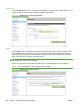
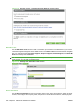
Use the Language screen to select the language in which the HP EWS screens appear.
Figure 5-64 Settings tab – Language screen
Date & Time
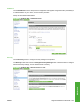
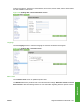
Use the Date & Time screen to update the product time.
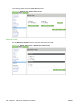
The Date & Time screen provide access to two advanced time settings: Date/Time Format and Clock
Drift Correction. See the following sections for more information regarding these two specific screens.
ENWW Supported utilities for Macintosh 237
Macintosh