
HP LaserJet P4010 and P4510 Series - Software Technical Reference


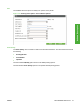
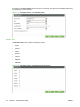
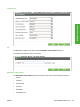


An example of the Printing option main menu is as follows. The options and available options may vary
depending on printer model.
Figure 2-19 Configure Device page – Configure Device menu options – Printing
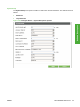
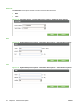
Default Custom Paper Size
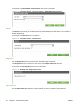
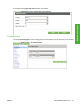
The Default Custom Page Size submenu provides options for modify the default custom paper size
for the printer.
Figure 2-20 Printing menu option – Default Custom Paper Size submenu options
40 Chapter 2 Software Description ENWW