
HP LaserJet P4010 and P4510 Series - Software Technical Reference
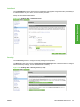
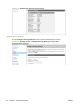
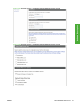
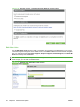
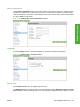
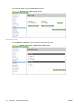

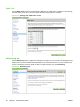

Figure 2-43 Security screen – Configure Security Settings screen (4 of 4)
Edit Other Links
Use the Edit Other Links screen to add or customize up to five links to the Web sites of your choice.
These links appear throughout the HP EWS screen in the Other Links box beneath the left navigation
bar. Four permanent links (hp instant support, Shop for Supplies, Product Support, and Show Me
How have already been established.
NOTE: With a permanent storage device installed, you can add up to five additional links; without the
extra storage, you can add one additional link.
Figure 2-44 Settings tab – Edit Other Links screen
52 Chapter 2 Software Description ENWW