
HP LaserJet P4010 and P4510 Series - Software Technical Reference


Device Information
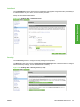
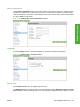
Use the Device Information screen to provide a name of your choice for the device, assign an asset
number, and configure the company name, the person to contact about the device, and the physical
location of the device. The device TCP/IP address, device name, device model, and the serial number
are also available on this screen.
Figure 2-45 Settings tab – Device Information screen
Language
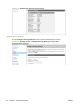
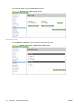
Use the Language screen to select the language in which the HP EWS screens appear.
Figure 2-46 Settings tab – Language screen
Date & Time
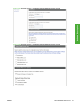
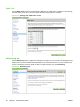
Use the Date & Time screen to update the product time.
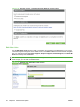
The Date & Time screen provide access to two advanced time settings: Date/Time Format and Clock
Drift Correction. See the following sections for more information regarding these two specific screens.
ENWW HP Embedded Web Server 53
Software Description