
HP LaserJet P4010 and P4510 Series - User Guide
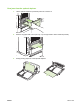
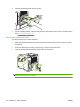


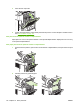
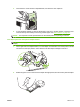

8. Reinstall the rear output bin. Insert the right hinge-pin into the hole inside the product. Push inward
on the left hinge, and slide it into the hole inside the product. Close the rear output bin.
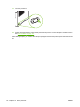
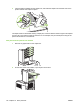
9. Plug the power cord into the product.
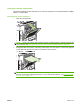
10. Replace the optional duplexer, if it was removed.
ENWW Jams 173