
Cisco Gigabit Ethernet Switch Module for HP BladeSystem p-Class Command Reference Guide



2-277
Cisco Gigabit Ethernet Switch Module for the HP p-Class BladeSystem Command Reference Guide
380265-003
Chapter 2 CGESM Switch Cisco IOS Commands
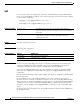
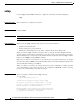
service-policy
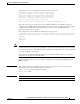
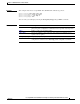
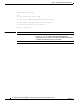
Examples This example shows how to apply plcmap1 to an physical ingress port:
Switch(config)# interface gigabitethernet0/1
Switch(config-if)# service-policy input plcmap1
This example shows how to remove plcmap2 from a physical port:
Switch(config)# interface gigabitethernet0/2
Switch(config-if)# no service-policy input plcmap2
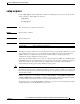
This example shows how to apply plcmap1 to an ingress SVI when VLAN-based QoS is enabled:
Switch(config)# interface vlan 10
Switch(config-if)# service-policy input plcmap1
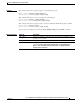
You can verify your settings by entering the show running-config privileged EXEC command.
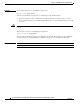
Related Commands Command Description
policy-map Creates or modifies a policy map that can be attached to multiple ports to
specify a service policy.
show policy-map Displays QoS policy maps.
show running-config Displays the running configuration on the switch. For syntax information,
select Cisco IOS Configuration Fundamentals Command Reference,
Release 12.2 > File Management Commands > Configuration File
Management Commands.