
HP DesignJet T790 and T1300 Printer Series - Using your printer
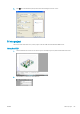

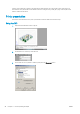
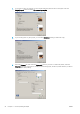

7. If you intend to print on roll paper, you must decide where the printer should cut the paper. Press the
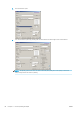
Margins/Layout button and select Clip contents by margins.
8. If you are using photo or glossy paper, you can select Borderless printing (T1300 series only).
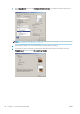
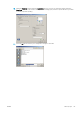
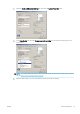
9. Select the Features tab, then select the Autorotate option. If you have a T1300 series printer, select the
Crop lines option also. Autorotation can help to avoid wasting paper, and the crop lines will show you where
to cut the paper after printing.
92 Chapter 11 Practical printing examples ENWW