
HP DesignJet T790 and T1300 Printer Series - Using your printer
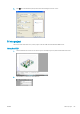
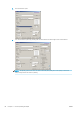

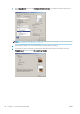
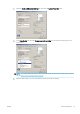
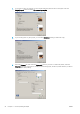

10. Select the Features tab, then select the Autorotate option. If you have a T1300 series printer, select the
Crop lines option also. Autorotation can help to avoid wasting paper, and the crop lines will show you where
to cut the paper after printing.
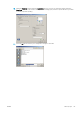
11. Press the OK button and save your conguration changes to a PC3 le.
ENWW Print a project 87