
HP DesignJet T790 and T1300 Printer Series - Using your printer

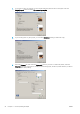

Use this option when the contents to be printed have white borders and a size equal to that of the paper you
have selected. The printer will use the white border for its margins and you will get a page of size equal to that
which is selected in the driver.
Print a presentation
This section demonstrates how to print a presentation from AutoCAD and from Photoshop.
Using AutoCAD
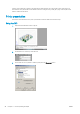
1. Open the AutoCAD le and select a layout.
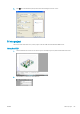
2. Click the Plot icon at the top of the window.
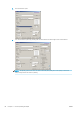
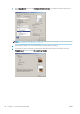
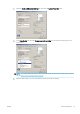
3. Ensure that the correct printer is selected, then press the Properties button.
90 Chapter 11 Practical printing examples ENWW