User's Manual
Manuals
Brands
HP Manuals
Computers
G1
31
32
33
34
35
36
37
38
39
40
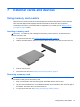
4.
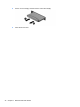
Push in on the card
(1)
, and then remove it from the slot
(2)
.
5.
Close the access door.
32
Chapter 7 External
cards and devices
1
...
...
38
39
40
41
42
...
...
58