
User's Manual
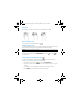

Display apps, widgets, and notification
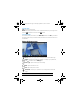
Apps—Touch , and then touch the Apps tab to see a list of all apps.
Widgets—Touch , and then touch the Widgets tab to see a list of all widgets.
Notification—Swipe down from the top of the screen to see your notifications.
Organize the Home screen
To add an app or a widget to the Home screen, touch the Apps tab or the
Widgets tab, and then tap and hold an app or widget until it is added to the
Home screen.
To remove an app or widget from the Home screen, drag it to the X at the top of
the screen.
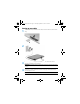
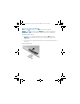
Insert a micro SD card
Bonsai10QS_SL.book Page 4 Thursday, September 12, 2013 6:23 PM