
HP Compaq nc4400 Notebook PC - Maintenance and Service Guide

Removal and Replacement Procedures
Maintenance and Service Guide 5–17
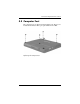
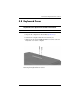
5.8 Keyboard Cover
1. Prepare the computer for disassembly (Section 5.3).
2. Position the computer with the front toward you.
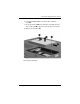
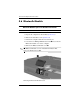
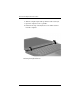
3. Remove the two Torx8 T8M2.0×20.0 screws that secure the
keyboard cover to the computer.
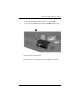
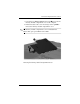
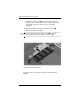
Removing the Keyboard Cover Screws
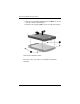
Keyboard Cover Spare Part Number Information
Keyboard cover 419119-001