
HP Installation Guide, HP AT094A PCIe 2P 8Gb FC and 2P 1/10GbE Adapter, Edition 2
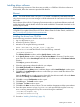


Alternate website for downloading files
1. See the following HP website:
http://www.hp.com/#Support
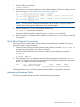
2. You can click open the Support & Drivers link or enter your adapter product number in the
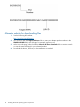
SEARCH HP.COM field, then click go. For example, type AT094A.
3. At the next web page, either locate the Software & driver downloads link to continue search
or view the returned listing for your selected product.
4. Download the drivers, firmware, or documentation as needed.
14 Installing the HP-UX operating system components