
R211x-HP Flexfabric 11900 Fundamentals Command Reference
87
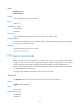
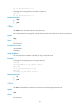
250 OK. Current directory is /
# Change the working directory to the FTP root directory.
ftp> cd /
250 OK. Current directory is /
Related commands
• cdup
• pwd
cdup
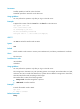
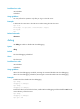
Use cdup to enter the upper directory of the FTP server.
This command does not change the working directory if the current directory is the FTP root directory.
Syntax
cdup
Views
FTP client view
Predefined user roles
network-admin
mdc-admin
Usage guidelines
You can perform this operation only after you log in to the FTP server.
Examples
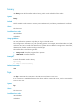
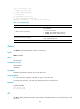
# Change the working directory to the upper directory.
ftp> pwd
257 "/ftp/subdir" is your current location
ftp> cdup
250 OK. Current directory is /ftp
ftp> pwd
257 "/ftp" is your current location
Related commands
• cd
• pwd
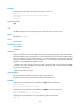
close
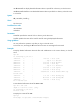
Use close to terminate the connection to the FTP server without exiting FTP client view.
Syntax
close
Views
FTP client view