
R21xx-HP FlexFabric 11900 Fundamentals Command Reference
17
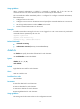
Usage guidelines
When command authorization is enabled, a command is available only if the user has the
commensurate user role and is authorized to use the command by the AAA scheme.
This command takes effect immediately after it is configured. To configure command authorization,
follow these steps:
1. Configure AAA on the switch.
2. Configure a user account on the AAA servers and specify the commands that the user can execute.
3. Set the login authentication mode to scheme on the switch.
4. Enable command authorization on the switch.
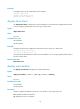
Examples
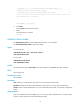
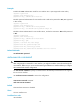
# Enable command accounting for VTY 0 so a user logged in to VTY 0 can execute only authorized
commands that are permitted by the user role.
<Sysname> system-view
[Sysname] user-interface vty 0
[Sysname-ui-vty0] command authorization
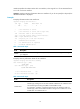
Related commands
• command accounting
• authorization command (Security Command Reference)
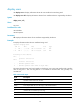
databits
Use databits to specify the number of data bits for each character.
Use undo databits to restore the default.
Syntax
databits { 5 | 6 | 7 | 8 }
undo databits
Default
Eight data bits are used for each character.
Views
AUX user interface view
Predefined user roles
network-admin
Parameters
5: Uses five data bits for each character.
6: Uses six data bits for each character.
7: Uses seven data bits for each character.
8: Uses eight data bits for each character.
Usage guidelines
This setting must be the same as that on the configuration terminal.