
R21xx-HP FlexFabric 11900 Fundamentals Command Reference



26
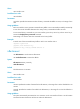
parity
Use parity to specify a parity check mode.
Use undo parity to restore the default.
Syntax
parity { even | mark | none | odd | space }
undo parity
Default
The setting is none, and no parity check is performed.
Views
AUX user interface view
Predefined user roles
network-admin
Parameters
even: Performs even parity check.
mark: Performs mark parity check.
none: Disables parity check.
odd: Performs odd parity check.
space: Performs space parity check.
Usage guidelines
The configuration terminal and the device must be configured with the same parity check mode to
communicate.
Examples
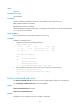
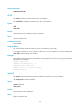
# Configure user interface AUX 0 to perform odd parity check.
<Sysname> system-view
[Sysname] user-interface aux 0
[Sysname-ui-aux0] parity odd
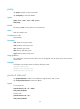
protocol inbound
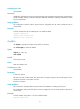
Use protocol inbound to enable a user interface to support Telnet, SSH, or both.
Use undo protocol inbound to restore the default.
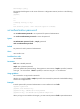
Syntax
In non-FIPS mode:
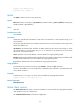
protocol inbound { all | ssh | telnet }
undo protocol inbound
In FIPS mode:
protocol inbound { all | ssh }
undo protocol inbound