
R21xx-HP FlexFabric 11900 IP Multicast Configuration Guide
Table Of Contents
- Title Page
- Contents
- Multicast overview
- Configuring IGMP snooping
- Overview
- IGMP snooping configuration task list
- Configuring basic IGMP snooping functions
- Configuring IGMP snooping port functions
- Configuring IGMP snooping policies
- Displaying and maintaining IGMP snooping
- IGMP snooping configuration examples
- Troubleshooting IGMP snooping
- Configuring multicast routing and forwarding
- Configuring IGMP
- Configuring PIM
- Overview
- Configuring PIM-DM
- Configuring PIM-SM
- Configuring common PIM features
- Displaying and maintaining PIM
- PIM configuration examples
- Troubleshooting PIM
- Configuring MLD snooping
- Overview
- MLD snooping configuration task list
- Configuring basic MLD snooping functions
- Configuring MLD snooping port functions
- Configuring MLD snooping policies
- Displaying and maintaining MLD snooping
- MLD snooping configuration examples
- Troubleshooting MLD snooping
- Configuring IPv6 multicast routing and forwarding
- Configuring MLD
- Configuring IPv6 PIM
- PIM overview
- Configuring IPv6 PIM-DM
- Configuring IPv6 PIM-SM
- Configuring common IPv6 PIM features
- Displaying and maintaining IPv6 PIM
- IPv6 PIM configuration examples
- Troubleshooting IPv6 PIM
- Support and other resources
- Index
17
• If the port receives no IGMP report in response to the group-specific query before its aging timer
expires, it indicates that no hosts attached to the port are still listening to that group address. The
switch removes the port from the forwarding entry for the multicast group after the aging timer for
the port expires.
Protocols and standards
R FC 4541, Considerations for Internet Group Management Protocol (IGMP) and Multicast Listener
Discovery (MLD) Snooping Switches
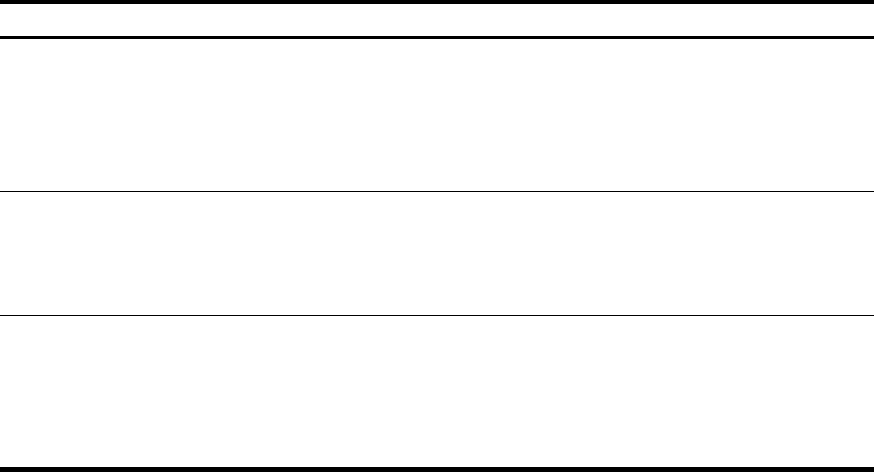
IGMP snooping configuration task list
Task at a
g
lance
Configuring basic IGMP snooping functions
• (Required.) Enabling IGMP snooping
• (Optional.) Specifying the IGMP snooping version
• (Optional.) Setting the maximum number of IGMP snooping forwarding entries
• (Optional.) Configuring parameters for IGMP queries and responses
Configuring IGMP snooping port functions
• (Optional.) Setting aging timers for dynamic ports
• (Optional.) Configuring static ports
• (Optional.) Enabling IGMP snooping fast-leave processing
Configuring IGMP snooping policies
• (Optional.) Configuring a multicast group filter
• (Optional.) Enabling dropping unknown multicast data
• (Optional.) Setting the maximum number of multicast groups on a port
• (Optional.) Enabling the multicast group replacement function
For IGMP snooping, the configurations made on a Layer 2 aggregate interface do not interfere with the
configurations on its member ports, and they do not take part in aggregation calculations. The
configuration made on a member port of the aggregate group takes effect after the port leaves the
aggregate group.
Configuring basic IGMP snooping functions
Before you configure basic IGMP snooping functions, complete the following tasks:
• Configure the corresponding VLANs.
• Determine the IGMP snooping version.
• Determine the IGMP last-member query interval.
• Determine the maximum response delay for IGMP general queries.