
R21xx-HP FlexFabric 11900 IP Multicast Configuration Guide
Table Of Contents
- Title Page
- Contents
- Multicast overview
- Configuring IGMP snooping
- Overview
- IGMP snooping configuration task list
- Configuring basic IGMP snooping functions
- Configuring IGMP snooping port functions
- Configuring IGMP snooping policies
- Displaying and maintaining IGMP snooping
- IGMP snooping configuration examples
- Troubleshooting IGMP snooping
- Configuring multicast routing and forwarding
- Configuring IGMP
- Configuring PIM
- Overview
- Configuring PIM-DM
- Configuring PIM-SM
- Configuring common PIM features
- Displaying and maintaining PIM
- PIM configuration examples
- Troubleshooting PIM
- Configuring MLD snooping
- Overview
- MLD snooping configuration task list
- Configuring basic MLD snooping functions
- Configuring MLD snooping port functions
- Configuring MLD snooping policies
- Displaying and maintaining MLD snooping
- MLD snooping configuration examples
- Troubleshooting MLD snooping
- Configuring IPv6 multicast routing and forwarding
- Configuring MLD
- Configuring IPv6 PIM
- PIM overview
- Configuring IPv6 PIM-DM
- Configuring IPv6 PIM-SM
- Configuring common IPv6 PIM features
- Displaying and maintaining IPv6 PIM
- IPv6 PIM configuration examples
- Troubleshooting IPv6 PIM
- Support and other resources
- Index
39
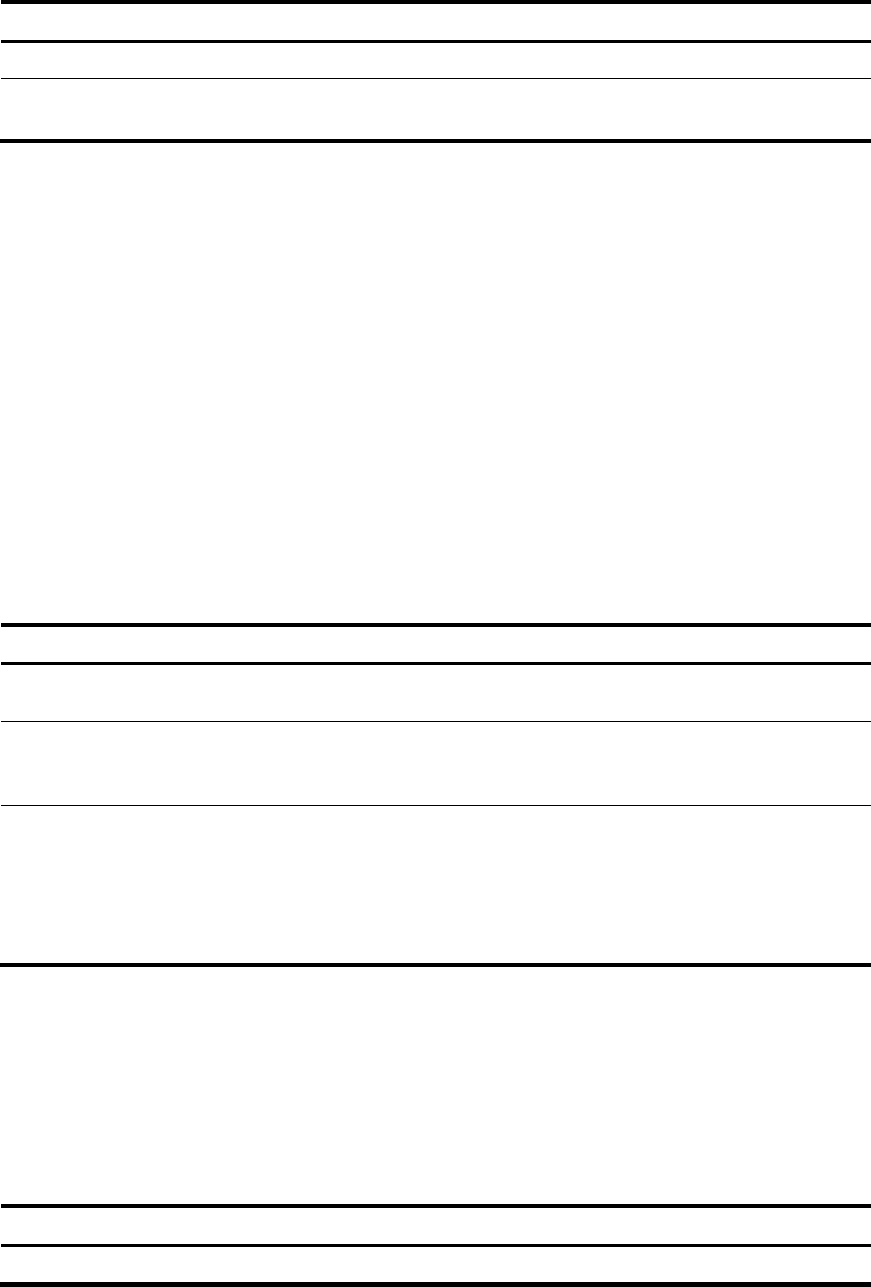
Step Command Remarks
1. Enter system view.
system-view
N/A
2. Enable IP multicast routing.
multicast routing-enable
By default, IP multicast routing is
disabled.
Configuring multicast routing and forwarding
Before you configure multicast routing and forwarding, complete the following tasks:
• Configure a unicast routing protocol so that all devices in the domain are interoperable at the
network layer.
• Enable PIM-DM or PIM-SM.
Configuring static multicast routes
By configuring a static multicast route for a given multicast source, you can specify an RPF interface or an
RPF neighbor for the multicast traffic from that source.
To configure a static multicast route:
Step Command Remarks
1. Enter system
view.
system-view
N/A
2. Configure a
static multicast
route.
ip rpf-route-static source-address { mask-length | mask }
{ rpf-nbr-address | interface-type interface-number }
[ preference preference ]
By default, no static
multicast route is
configured.
3. (Optional.)
Delete static
multicast routes.
• Delete a specified static multicast route:
undo ip rpf-route-static source-address
{ mask-length | mask } { rpf-nbr-address |
interface-type interface-number }
• Delete all static multicast routes:
delete ip rpf-route-static
N/A
Configuring the RPF route selection rule
You can configure the router to select the RPF route based on the longest prefix match principle. For more
information about RPF route selection, see "RPF check process."
T
o configure a multicast routing policy:
Step Command Remarks
1. Enter system view.
system-view
N/A