
HP ProLiant BladeSystem p-Class System Maintenance and Service Guide

Removal and Replacement Procedures 55
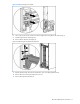
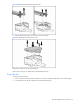
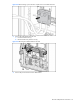
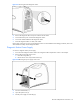
Figure 2-40 Removing cables from the Dual Power Box
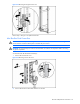
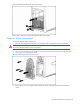
7. Replace the Dual Power Box cover using a T-25 Torx screwdriver.
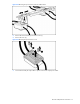
Figure 2-41 Replacing the Dual Power Box cover
Repeat this procedure for the second mini bus bar.
Reverse steps 1 through 7 to replace the mini bus bar dual power box.
Power Bus Box
To remove the power bus box:
1. Remove power from the power bus box. Refer to the “Power Components Preparation” section in this chapter.
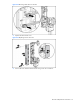
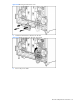
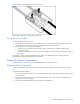
2. Disconnect the power bus box coupler from the server blade enclosure.