
HP ProLiant BladeSystem p-Class System Maintenance and Service Guide

Removal and Replacement Procedures 60
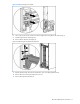
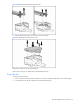
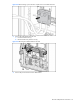
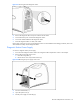
Figure 2-49 Removing the diagnostic station power supply
Reverse steps 1 through 5 to replace the diagnostic station power supply.
Diagnostic Station System Board
To remove a diagnostic station system board:
1. Power down the diagnostic station. Refer to the “Diagnostic Station Preparation” section in this chapter.
WARNING! To reduce the risk of shock or injury from high-current electrical energy, be sure to disconnect all
AC power cords before performing service procedures.
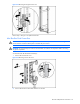
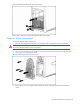
2. Use a T-15 Torx screwdriver to remove the five screws securing the front panel access cover and pull the front
panel access cover away from the chassis.
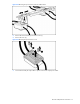
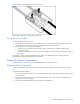
Figure 2-50 Removing the front panel access cover
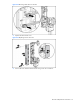
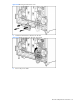
3. Remove the five screws securing the system board to the chassis and pull the system board away from the
chassis.