
ProLiant DL580 Generation 5 Maintenance and Service Guide


Removal and replacement procedures 39
4.
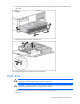
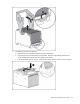
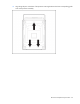
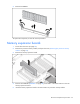
Remove the FBDIMM.
To replace the component, reverse the removal procedure.
Memory expansion boards
1. Power down the server (on page 26).
2. Remove the processor memory module, and open the cover ("Removing the processor memory
module" on page 29).
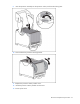
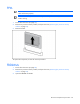
3. Remove the memory expansion board.
4. Remove each FBDIMM ("FBDIMMs" on page 38), and install it in the same location on the new
memory expansion board.
5. Install the memory expansion board in the same location on processor memory module.