
ProLiant DL580 Generation 5 Maintenance and Service Guide


Removal and replacement procedures 46
5.
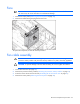
Remove the fans.
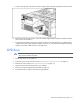
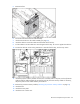
6. Disconnect and remove the fan cable assembly.
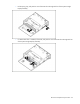
7. Install and route the new fan cable assembly (on page 84).
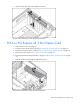
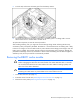
8. Install the cable tie around the cables and the bottom of the fan bay.
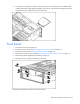
9. Pull the cable tie until the cables are secured against the fan bay. Do not over tighten the cable tie.
10. Position the cable tie so the locking mechanism is outside of the fan bay, and trim any excess.
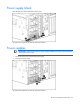
11. Install the processor memory module into the server. Carefully slide it into place, and verify that the
cable tie and fan cable assembly do not interfere with the processor memory module. If necessary,
adjust the position of the cable assembly and cable tie.
12. Remove the processor memory module ("Removing the processor memory module" on page 29).
13. Install the fans.
14. Install the access panel.
15. Install the server into the rack.