
FW 07.00.00/HAFM SW 08.06.00 McDATA Intrepid 6064 Director Installation and Service Manual (620-000108-920, April 2005)

4
4-68
Intrepid® 6064 Director Installation and Service Manual
Repair Information
1. Obtain the new firmware version from the McDATA File Center.
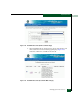
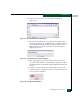
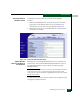
At a PC with Internet access, open the File Center home page
(Figure 4-49). The uniform resource locator (URL) is
http://central.mcdata.com.
Figure 4-49 McDATA File Center Home Page
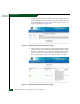
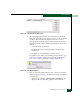
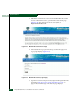
2. Select (click) the Login option at the top of the home page. The
Login page displays (Figure 4-33).
Figure 4-50 McDATA File Center (Login Page)
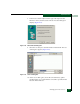
3. Type the user name and password (assigned and registered while
performing Task 14: Register with the McDATA File Center on
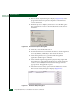
page 2-120) and click Login. The Welcome page displays.