
FW 07.00.00/HAFM SW 08.06.00 McDATA Intrepid 6064 Director Installation and Service Manual (620-000108-920, April 2005)

4
4-72
Intrepid® 6064 Director Installation and Service Manual
Repair Information
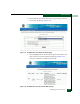
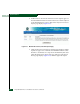
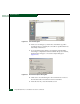
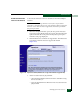
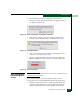
Figure 4-56 Save As Dialog Box
10. At the Save As dialog box, ensure the correct directory path is
specified at the Save in field, the correct file is specified in the File
name field, and click Save.
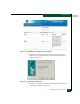
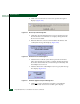
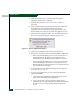
11. A Download dialog box displays, showing the estimated time
remaining to complete the download. When the process finishes,
the dialog box changes to a Download complete dialog box
(Figure 4-57).
Figure 4-57 Download Complete Dialog Box
12. Click Close to close the dialog box. The new firmware version is
downloaded and saved to the browser PC hard drive.
13. At the browser PC, close the Internet session.