
FW 07.00.00/HAFM SW 08.06.00 McDATA Intrepid 6064 Director Installation and Service Manual (620-000108-920, April 2005)

2
2-28
Intrepid® 6064 Director Installation and Service Manual
Installation Tasks
Configure Management Server Names
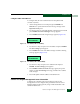
To configure the management server name and workgroup name:
1. At the Windows 2000 desktop, click Start at the left side of the
task bar (bottom of the desktop), then select Settings, then Control
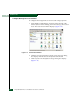
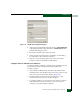
Panel. The Control Panel window displays (Figure 2-18).
Figure 2-18 Control Panel Window
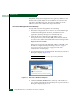
2. Click the Network Identification tab. The System Properties dialog
box displays with the Network Identification tab selected.
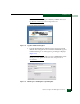
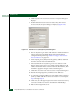
3. Click Properties. The Identification Changes dialog box displays
(Figure 2-19).