- Hewlett-Packard Intel Device View User Guide
Manuals
Brands
HP Manuals
Network Card
Intel Device View
21
22
23
24
25
26
27
28
29
30
27
MANAGING DEVICES
CHAPTER
3
4
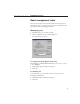
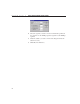
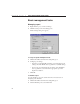
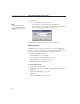
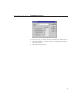
Select the port you want to monitor in the Interface pull-down box.
5
Check the statistic you want to monitor and change the threshold
value if necessary.
6
Click OK, then click Close.
1
...
...
28
29
30
31
32
...
...
36